
Cybersecurity
Invisible Malware Risk
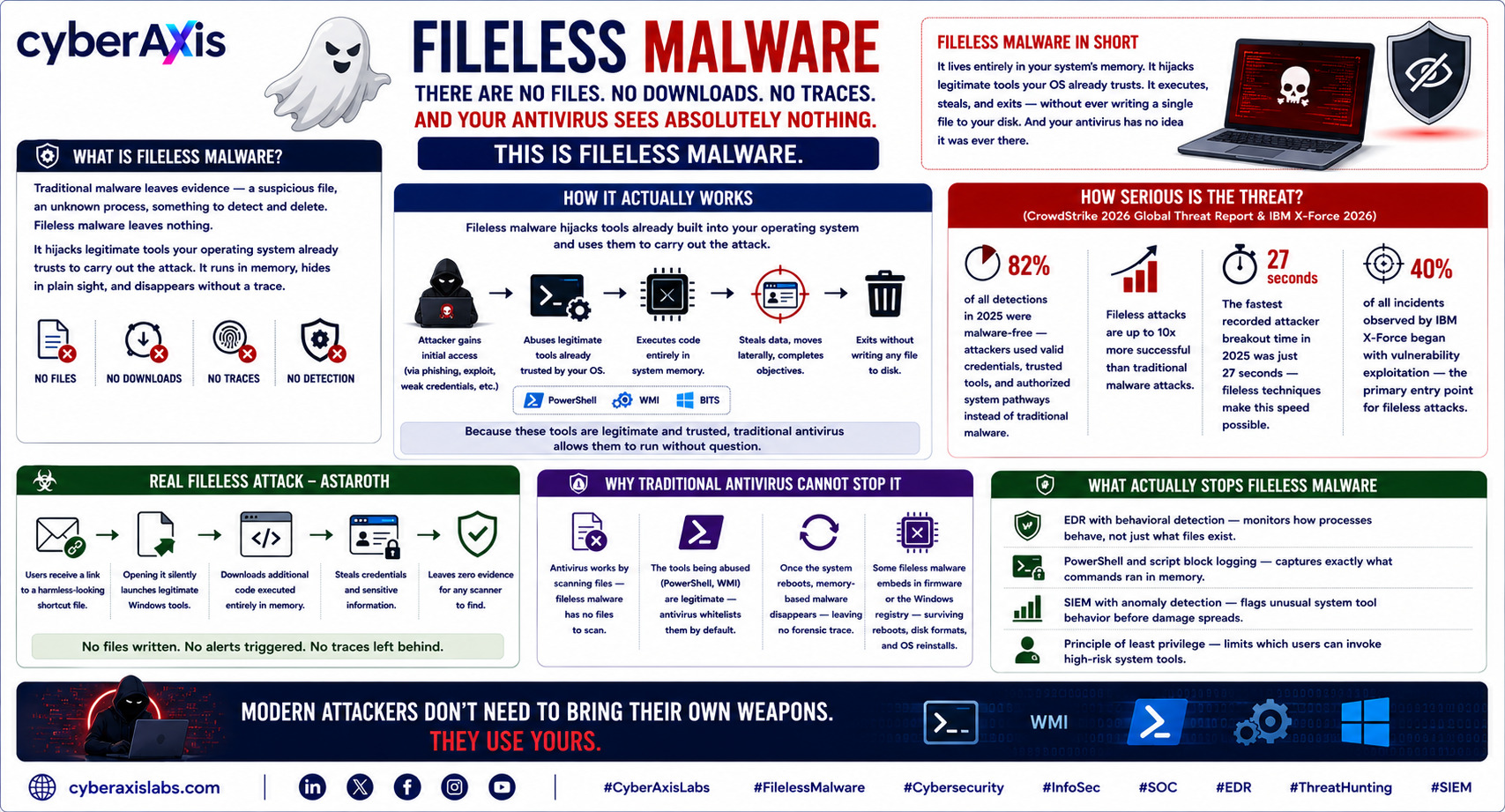
There Are No Files. No Downloads. No Traces. And Your Antivirus Sees Absolutely Nothing. This Is Fileless Malware.
Traditional malware leaves evidence — a suspicious file, an unknown process, something to detect and delete.
Fileless malware leaves nothing.
It lives entirely in your system's memory. It hijacks legitimate tools your operating system already trusts. It executes, steals, and exits — without ever writing a single file to your disk.
And your antivirus has no idea it was ever there.
How it actually works:
Fileless malware doesn't install itself. Instead it hijacks tools already built into your operating system — PowerShell, Windows Management Instrumentation (WMI), and other trusted system processes — and uses them to carry out the attack.Because these tools are legitimate and trusted, traditional antivirus allows them to run without question. The attack hides in plain sight — inside the very tools your system uses every day.
How serious is the threat (CrowdStrike 2026 Global Threat Report & IBM X-Force 2026):
→ 82% of all detections in 2025 were malware-free — attackers used valid credentials, trusted tools, and authorized system pathways instead of traditional malware→ Fileless attacks are up to 10x more successful than traditional malware attacks
→ The fastest recorded attacker breakout time in 2025 was just 27 seconds — fileless techniques make this speed possible
→ 40% of all incidents observed by IBM X-Force began with vulnerability exploitation — the primary entry point for fileless attacks
Real fileless attack — Astaroth:
Users received a link to a harmless-looking shortcut file. Opening it silently launched legitimate Windows tools, downloaded additional code executed entirely in memory, and stole credentials — leaving zero evidence for any scanner to find.
Why traditional antivirus cannot stop it:
✦ Antivirus works by scanning files — fileless malware has no files to scan✦ The tools being abused (PowerShell, WMI) are legitimate — antivirus whitelists them by default
✦ Once the system reboots, memory-based malware disappears — leaving no forensic trace
✦ Some fileless malware embeds in firmware or the Windows registry — surviving reboots, disk reformats, and OS reinstalls
What actually stops fileless malware:
→ EDR with behavioral detection — monitors how processes behave, not just what files exist→ PowerShell and script block logging — captures exactly what commands ran in memory
→ SIEM with anomaly detection — flags unusual system tool behavior before damage spreads
→ Principle of least privilege — limits which users can invoke high-risk system tools
Modern attackers don't need to bring their own weapons. They use yours.
cyberaxislabs.com
#CyberAxisLabs #FilelessMalware #Cybersecurity #InfoSec #SOC #EDR #ThreatHunting #SIEM
We appreciate your feedback - share your comments at [email protected]



Comments 0
Email-verified comments are reviewed before they are published.