Security Awareness Newsletter
Phishing & Suspicious Email Awareness
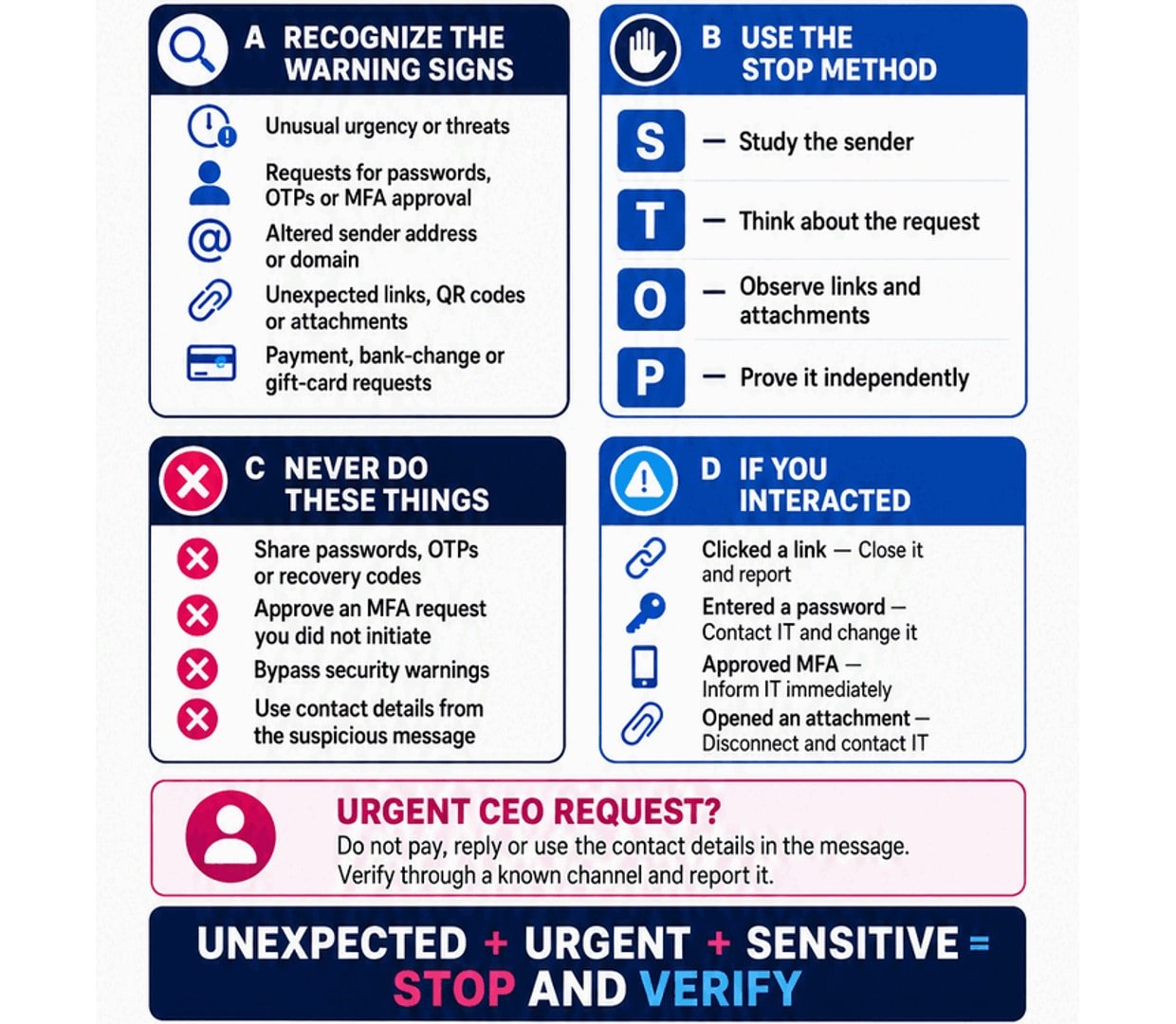
Phishing messages are designed to make you click a harmful link, open an unsafe attachment, reveal confidential information or approve an unauthorized request. They may arrive through email, SMS, messaging applications, QR codes or collaboration tools. Even a professional-looking message can be fraudulent. Pause and verify before taking action.
Available Body Themes
Choose the presentation that suits your organization
The core security message remains controlled by CyberAxis. Header branding, management communication and reporting contacts are added separately.
AHeaderOptional organization branding, topic heading and issue period.
BBodySelected content artwork uploaded by CyberAxis.
CCommunicationManagement message and active internal reporting contacts.
DFooterCyberAxis logo, content credit and website link.
Free registered-user outputs
Register to customize, download or email this communication
You can review this sample topic and its themes without an account. Registration unlocks optional organization branding, PDF/JPG downloads and email delivery.