
Security Awareness
Rogue WiFi Explained
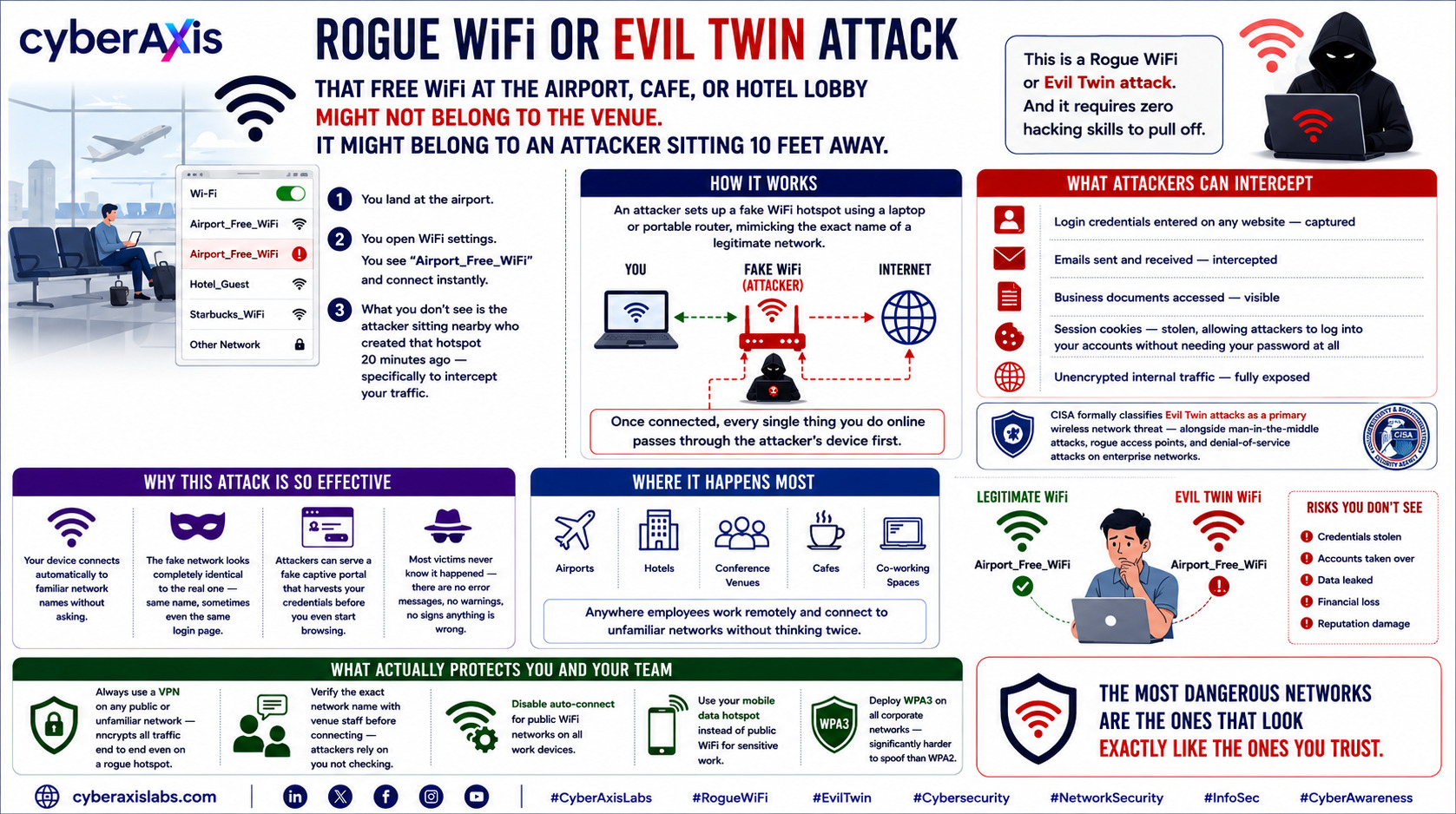
Rogue WiFi or Evil Twin attack
That Free WiFi at the Airport, Cafe, or Hotel Lobby Might Not Belong to the Venue. It Might Belong to an Attacker Sitting 10 Feet Away.
You land at the airport.You open WiFi settings.
You see "Airport_Free_WiFi" and connect instantly.
What you don't see is the attacker sitting nearby who created that hotspot 20 minutes ago — specifically to intercept your traffic.
This is a Rogue WiFi or Evil Twin attack. And it requires zero hacking skills to pull off.
How it works:
An attacker sets up a fake WiFi hotspot using a laptop or portable router, mimicking the exact name of a legitimate network — "Starbucks_WiFi", "Hotel_Guest", "Airport_Lounge_Free". Your device connects automatically, especially if it has connected to a similarly named network before.
Once connected, every single thing you do online passes through the attacker's device first:
- Login credentials entered on any website — captured
- Emails sent and received — intercepted
- Business documents accessed — visible
- Session cookies — stolen, allowing attackers to log into your accounts without needing your password at all
- Unencrypted internal traffic — fully exposed
What makes this attack so effective:
→ Your device connects automatically to familiar network names without asking
→ The fake network looks completely identical to the real one — same name, sometimes even the same login page
→ Attackers can serve a fake captive portal that harvests your credentials before you even start browsing
→ Most victims never know it happened — there are no error messages, no warnings, no signs anything is wrong
Where it happens most:
Airports, hotels, conference venues, cafes, co-working spaces — anywhere employees work remotely and connect to unfamiliar networks without thinking twice.
What actually protects you and your team:
→ Always use a VPN on any public or unfamiliar network — encrypts all traffic end to end even on a rogue hotspot
→ Verify the exact network name with venue staff before connecting — attackers rely on you not checking
→ Disable auto-connect for public WiFi networks on all work devices
→ Use your mobile data hotspot instead of public WiFi for sensitive work
→ Deploy WPA3 on all corporate networks — significantly harder to spoof than WPA2
The most dangerous networks are the ones that look exactly like the ones you trust.
cyberaxislabs.com
#CyberAxisLabs #RogueWiFi #EvilTwin #Cybersecurity #NetworkSecurity #InfoSec #CyberAwareness
We appreciate your feedback - share your comments at [email protected]



Comments 0
Email-verified comments are reviewed before they are published.