
Security Awareness
Juice Jacking Explained
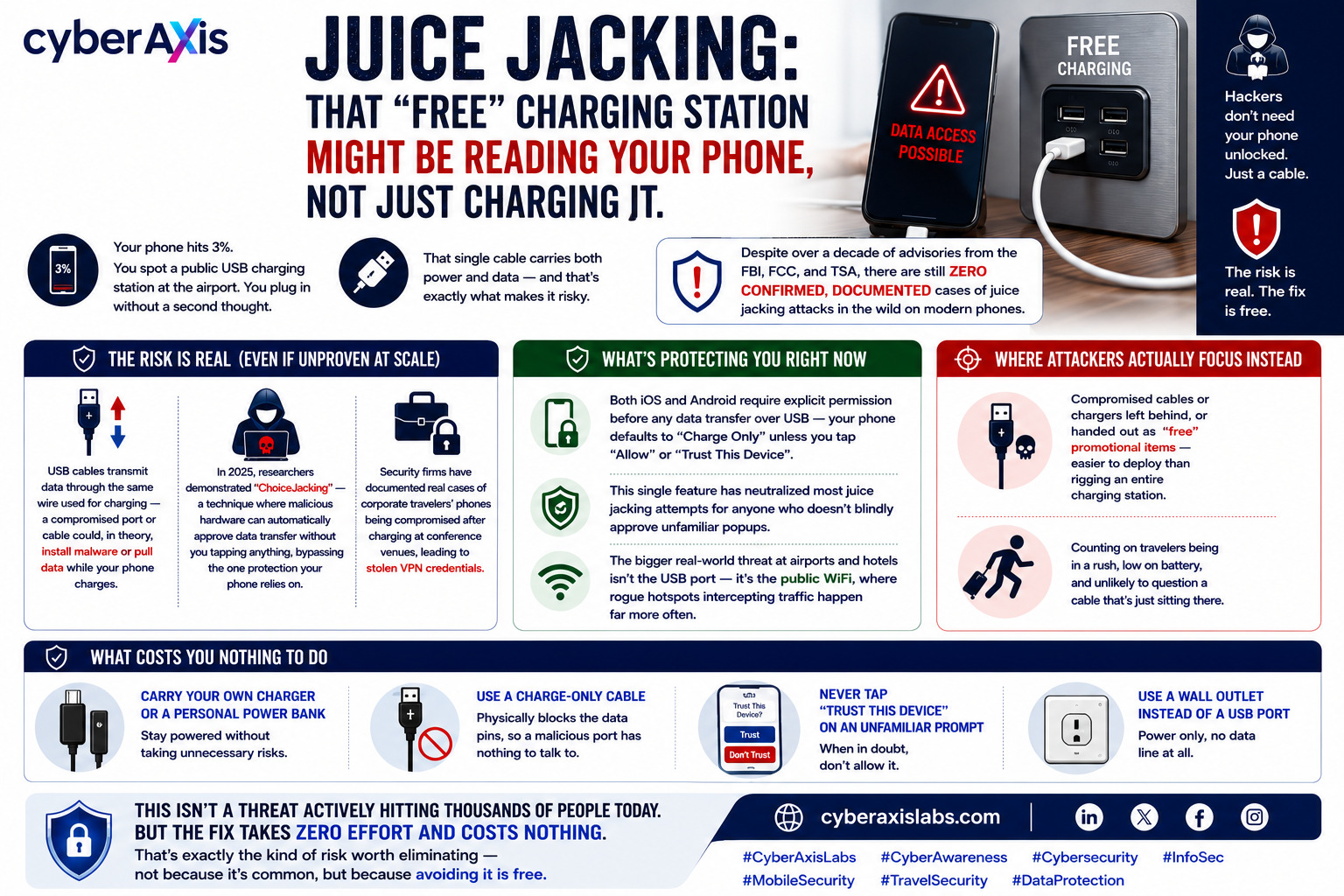
Juice Jacking: That "Free" Charging Station Might Be Reading Your Phone, Not Just Charging It.
Your phone hits 3%. You spot a public USB charging station at the airport. You plug in without a second thought.
That single cable carries both power and data — and that's exactly what makes it risky.
Here's the part most warnings skip: despite over a decade of advisories from the FBI, FCC, and TSA, there are still zero confirmed, documented cases of juice jacking attacks happening in the wild on modern phones.
So why does it keep getting warned about?
Because the risk is technically real, even if it hasn't been exploited at scale yet:
→ USB cables transmit data through the same wire used for charging — a compromised port or cable could, in theory, install malware or pull data while your phone charges
→ In 2025, researchers demonstrated "ChoiceJacking" — a technique where malicious hardware can automatically approve data transfer without you tapping anything, bypassing the one protection your phone relies on
→ Security firms have documented real cases of corporate travelers' phones being compromised after charging at conference venues, leading to stolen VPN credentials
What's actually protecting you right now:
✦ Both iOS and Android require explicit permission before any data transfer over USB — your phone defaults to "charge only" unless you tap "Allow" or "Trust This Device"
✦ This single feature has neutralized most juice jacking attempts for anyone who doesn't blindly approve unfamiliar popups
✦ The bigger real-world threat at airports and hotels isn't the USB port — it's the public WiFi, where rogue hotspots intercepting traffic happen far more often
Where attackers actually focus instead:
→ Compromised cables or chargers left behind, or handed out as "free" promotional items — easier to deploy than rigging an entire charging station
→ Counting on travelers being in a rush, low on battery, and unlikely to question a cable that's just sitting there
What costs you nothing to do:
→ Carry your own charger or a personal power bank
→ Use a charge-only cable — physically blocks the data pins, so a malicious port has nothing to talk to
→ Never tap "Trust This Device" on an unfamiliar prompt
→ Use a wall outlet instead of a USB port when you have the option — power only, no data line at all
This isn't a threat actively hitting thousands of people today. But the fix takes zero effort and costs nothing.
That's exactly the kind of risk worth eliminating — not because it's common, but because avoiding it is free.
cyberaxislabs.com
#CyberAxisLabs #CyberAwareness #Cybersecurity #InfoSec #MobileSecurity #TravelSecurity #DataProtection
We appreciate your feedback - share your comments at [email protected]



Comments 0
Email-verified comments are reviewed before they are published.