
Homoglyph Attack Explained
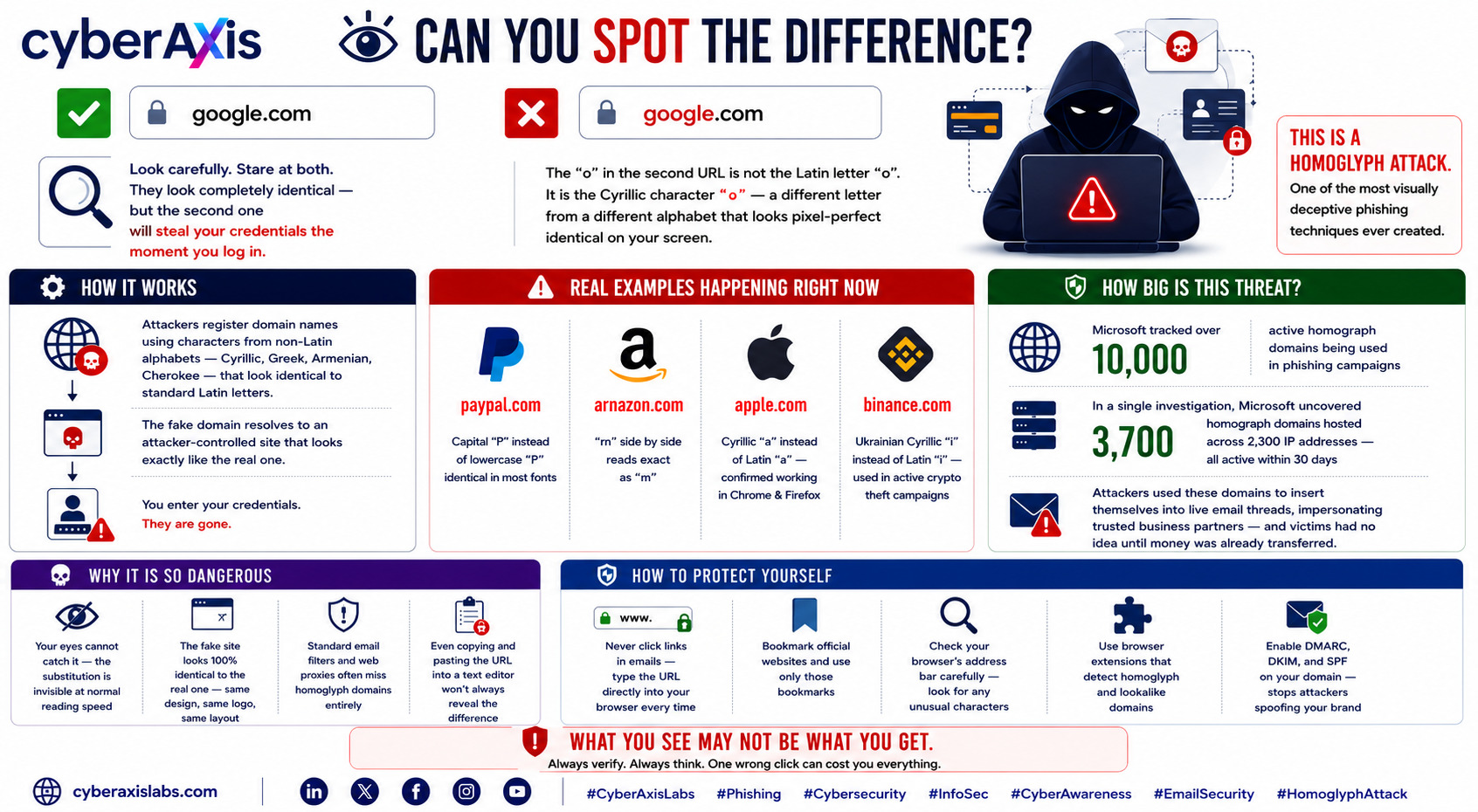
Can You Spot the Difference?
Look carefully. Stare at both.
They look completely identical — but the second one will steal your credentials the moment you log in.
The "o" in the second URL is not the Latin letter "o". It is the Cyrillic character "о" — a different letter from a different alphabet that looks pixel-perfect identical on your screen.
This is a Homoglyph Attack. And it is one of the most visually deceptive phishing techniques ever created.
How it works:
Attackers register domain names using characters from non-Latin alphabets — Cyrillic, Greek, Armenian, Cherokee — that are visually identical or near-identical to standard Latin letters. The fake domain resolves to an attacker-controlled site that looks exactly like the real one. You enter your credentials. They are gone.
Real examples happening right now:
→ paypaI.com — capital "I" instead of lowercase "l" — identical in most fonts
→ arnazon.com — "rn" side by side reads exactly as "m"
→ аpple.com — Cyrillic "а" instead of Latin "a" — confirmed working in Chrome and Firefox
→ bіnance.com — Ukrainian Cyrillic "і" instead of Latin "i" — used in active crypto theft campaigns
How big is this threat (Microsoft Security Blog 2026):
→ Microsoft tracked over 10,000 active homoglyph domains being used in phishing campaigns
→ In a single investigation, Microsoft uncovered 3,700 homoglyph domains hosted across 7,300 IP addresses — all active within a 30-day period
→ Attackers used these domains to insert themselves into live email threads, impersonating trusted business partners — and victims had no idea until money was already transferred
Why it is so dangerous:
✦ Your eyes cannot catch it — the substitution is invisible at normal reading speed
✦ The fake site looks 100% identical to the real one — same design, same logo, same layout
✦ Standard email filters and web proxies often miss homoglyph domains entirely
✦ Even copying and pasting the URL into a text editor won't always reveal the difference
How to protect yourself:
→ Never click links in emails — type the URL directly into your browser every time
→ Bookmark official websites and use only those bookmarks
→ Check your browser's address bar carefully — look for any unusual characters
→ Use browser extensions that detect homoglyph and lookalike domains
→ Enable DMARC, DKIM, and SPF on your domain — stops attackers spoofing your brand
What you see may not be what you get.
#CyberAxisLabs #Phishing #Cybersecurity #InfoSec #CyberAwareness #EmailSecurity #HomoglyphAttack



Comments 0
Email-verified comments are reviewed before they are published.